
Start · Simple
A DIY website usability test: hand over your site and say nothing
Ask someone who does not know your business to complete three tasks on your website while you watch in silence. Whatever you are tempted to explain is what the website fails to explain on its own.
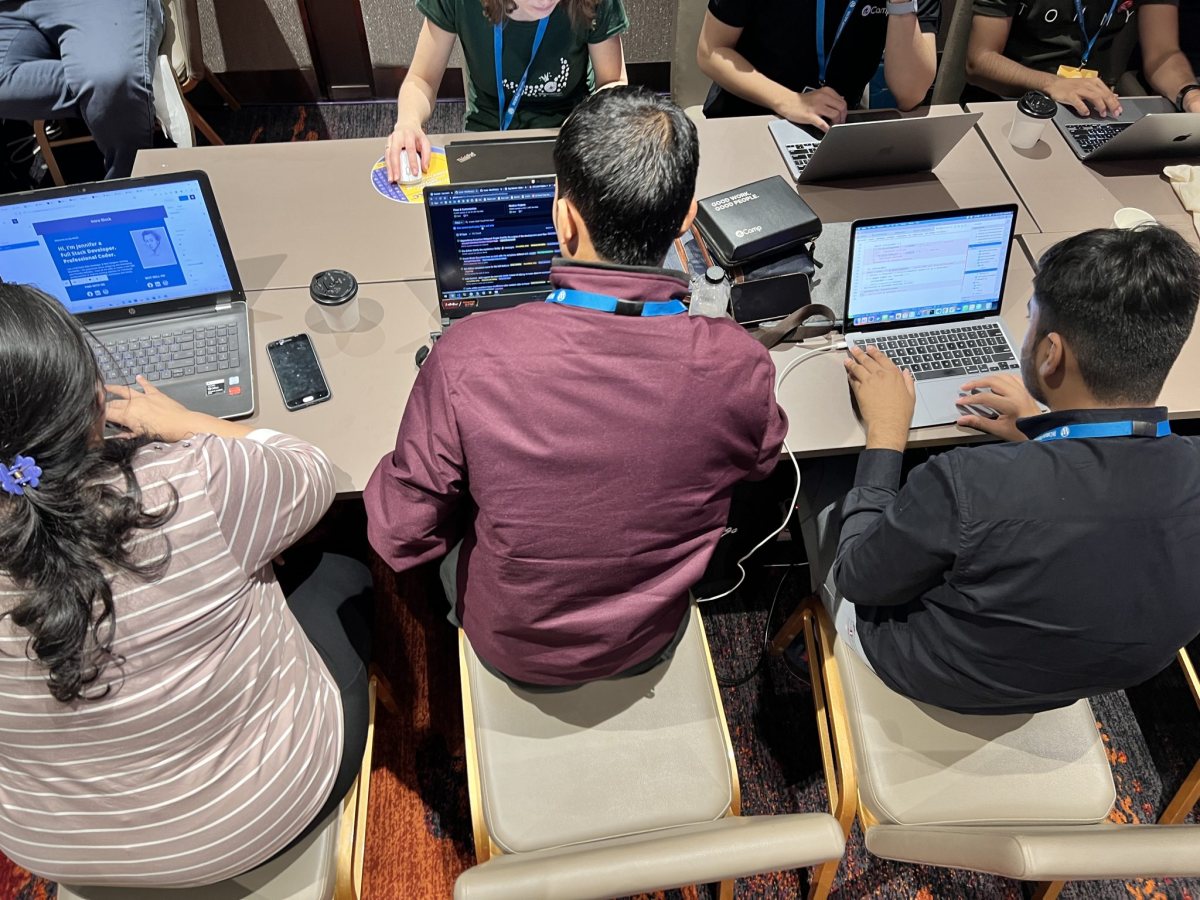
Photo: priyawurm, public domain (CC0)
In this guide
What a silent website usability test shows you
You know your website too well to judge it. You know that “Solutions” means the product list, that the enquiry form sits under “Company”, and that delivery times are in a PDF at the bottom of one page. A visitor knows none of this, and nobody sits beside them to explain.
A website usability test takes you out of the picture. One person who does not know your business tries to do three things on the site, and you watch without speaking. Every moment at which you want to say “no, it is up there” marks a place where the website only works when you are in the room.
It takes about an hour per person and needs no software: a table, a device, paper and a pen. The hard part is the silence.
Whom to ask
The right tester is someone who could plausibly be a customer but has never dealt with your company. Knowledge of your products, your vocabulary or your menu spoils the result, because the tester then finds things the way you do.
- Good: a friend from another industry, a neighbour, a business contact who buys similar things from other suppliers.
- Good, once: a new employee in their first week, before they learn the product names.
- Weak: a family member who has listened to you talk about the business for years.
- Not suitable: colleagues, and whoever designed or built the website.
Three to five people are enough for a small company website. Test them one at a time, never as a group, because the second person simply follows the first. Ask at least one of them to use a phone.
How to choose three tasks
The tasks come from what the website is for. Pick three things a real visitor arrives wanting to do and that matter to your business: finding the right product, checking whether you can deliver, sending an enquiry, deciding whether you can be trusted.
Describe a situation, not a route. A task that names the menu item is an instruction, and following instructions tells you nothing. Avoid the exact words your navigation uses.
| Weak task | Better task | What it tests |
|---|---|---|
| Open the product page for the pump range | You need to empty a 500 litre tank in ten minutes. Which product would you ask about? | Whether products can be found by need, not by name |
| Click Contact and fill in the form | You need 40 units by the end of next month. Find out if that is possible and ask for an offer. | Delivery information and the enquiry path |
| Look at our references | You have never heard of this company. Decide whether you would trust it with an order, and say why. | Trust: who you are, where you are, proof |
Give each task a clear end, so both of you know when it is finished. Put the easiest task first, so the tester relaxes. Write each task on its own piece of paper.
Running the session without helping
- Let the tester use their own device if possible, and start on the home page or on a search engine, as a real visitor would.
- Say the same opening to everyone: “I am testing the website, not you. You cannot do anything wrong. Please say aloud what you are looking for and what you expect. I will not answer questions about the site until the end.”
- Hand over the first task and read it aloud once.
- Watch and stay quiet. Do not nod, sigh or point. If the tester asks “Should I click here?”, answer: “What would you do if I were not here?”
- Let them get stuck. If nothing moves for about three minutes, say “That is fine, let us go to the next one”. Do not show the answer yet.
- After the third task, ask three questions: what was hardest, what did you expect to find that was not there, and what does this company do, in your own words.
- Only now answer their questions, and thank them properly.
What to write down
Write down what people do, not what they think of the design. “I do not like the green” is an opinion. “Scrolled past the enquiry button twice” is a finding.
Turning observations into fixes, and when to repeat
After the last session, put all notes side by side and count per task how many testers finished without help. The chart below is an illustrative example, not real data: five testers before the fixes and five new testers afterwards.
Illustrative example: testers out of five who completed each task without help
In this example the delivery time is the obvious place to start: four of five testers failed there, and it blocks an order. Sort your own findings the same way. Problems that several testers hit come first, and problems that stop a business task come before cosmetic ones.
Most fixes are small and cost little.
| What you saw | Likely cause | Typical fix |
|---|---|---|
| Tester searched for a word the site never uses | Internal vocabulary | Use the customer’s word in menu and headings |
| Tester opened three pages to find the phone number | Contact details hidden | Put phone and email in the header and footer |
| Tester started the form and stopped | Too many required fields | Ask only for what you need to reply |
| Tester could not say what the company does | Home page talks about values, not products | State what you sell and for whom in the first lines |
If the notes show that the structure itself is the problem, not the wording, the next step is a proper look at navigation and page design, and sometimes a redesign. Visitor statistics complement the test: analytics show where people leave, and the silent test shows why.
Repeat the test after every larger change, and otherwise about twice a year. Always use new people. A tester who has seen the website once is no longer a stranger to it.
Questions we hear often
Want this sorted without doing it yourself?
Tell us what you are working on. A person replies within one working day.