
Start · Simple
An AI assistant for a small business: what it can do, what it costs, when it pays
An assistant that answers from your own manuals, price lists and procedures is within reach of a small company. Whether it is worth having depends on three things you can check before spending anything.
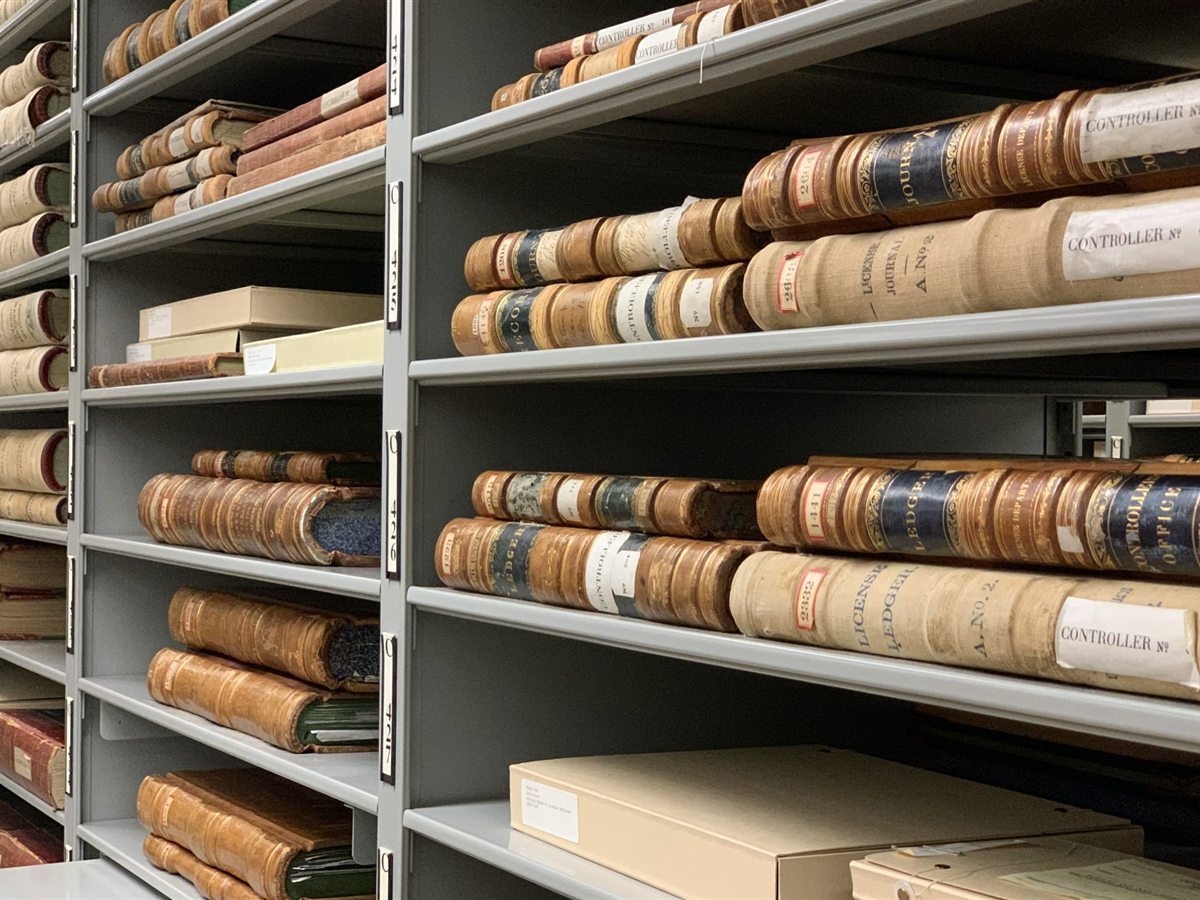
Photo: Jennifer Bourn, public domain (CC0)
In this guide
Short answer
An AI assistant for a small business answers questions from your own documents: manuals, price lists, procedures. It drafts replies and finds the right file. It needs tidy documents, access rules and one person who owns it. Our plans with AI assistants start around EUR 1,500 a month; it pays when the hours it saves are worth more than that.
What can an AI assistant do for a small business?
It answers questions from documents you already have, and shows where the answer came from. The assistant does not learn your documents by heart. For each question it looks up the passages that fit, writes an answer from them and names the source, so a person can open the page and check.
That makes it good at four things:
- Answering staff questions from manuals, procedures and price lists: “Which seal fits this pump?”, “What is our returns procedure for Austria?”
- Answering customer questions on the website from published product data and instructions.
- Drafting replies to enquiries, which a person reads, corrects and sends.
- Finding the right document when nobody remembers what it was called.
What does it do badly?
It is unreliable wherever there is no source to quote, a sum to work out or a decision to take. A language model produces fluent text even when it has nothing to go on, so an answer without a source should be treated as a guess.
| Task | Good or poor start | Why |
|---|---|---|
| Questions about products from data sheets and manuals | Good | The answer exists in writing and can be checked |
| Internal procedures: holidays, complaints, onboarding | Good | Many repeated questions, one agreed text |
| Draft replies to routine enquiries | Good | A person reads every draft before it goes out |
| Finding a document or drawing | Good | A wrong hit costs seconds, not money |
| Calculating prices, discounts or quantities | Poor | Language models make arithmetic mistakes; sums belong in a system |
| Deciding on a complaint, a credit limit or a hire | Poor | A decision needs someone who answers for it |
| Legal or safety advice with no document behind it | Poor | Without a source there is nothing to verify |
The pattern is simple. Start where the answer is already written down and a mistake is cheap. Leave sums to the software that holds the prices, and decisions to people.
What does an assistant need from the company?
It needs three things, and none of them is technical. If one is missing, the project stalls whatever the software.
- Tidy documentsOne current version of each manual, price list and procedure, as text, not as a photo of a page. Old versions are removed or clearly marked, or the assistant will quote them.
- Access rulesA list of who may see what. The assistant must never show a salary table or a purchase price to someone who could not open that file themselves.
- An ownerOne named person who decides which documents go in, reads the questions that went unanswered and gets the gaps filled.
Access rules are the part that is most often forgotten until the first awkward answer. How they are enforced technically is explained in our article on document permissions for AI assistants.
What does an AI assistant cost?
The cost follows from the work of connecting and preparing your material, not from the assistant as such. These are the drivers:
- The documents: how many, in what state, in how many formats and places.
- The systems to connect: a shared drive is simple; an ERP, a shop or a ticket system is more work.
- The access rules: one group of users, or several with different rights.
- The audience: staff only, or customers on the website as well.
- The languages of questions and of documents.
- How often the content changes, and how quickly the assistant must know.
We do not publish a price list, because each plan is priced for what the client needs. Our monthly plans that include an AI assistant on your own documents, document processing, automations between tools and dashboards from your data start around EUR 1,500. Building, hosting, updates and support are in that one amount, with no large payment at the start. The levels are on our pricing page.
How we do it
We start with one task and one set of documents, not with the whole company. We connect the sources, set the access rules, test with the real questions of your staff, and hand the owner a list of questions the assistant could not answer. That list shows which document to write next.
When does it pay? An illustrative calculation
It pays when the hours it saves are worth more than it costs a month, and you can estimate that before you buy. The figures here are an illustrative example, not a measurement.
Assume each person saves 15 minutes a day that they now spend searching for an answer or asking a colleague. With 20 working days that is 5 hours a person a month. Assume an hour of staff time costs the company EUR 40.
Illustrative example: value of hours saved a month, by team size
Five people save 25 hours, worth EUR 1,000: less than the plan. Ten people save 50 hours, worth EUR 2,000: more than the plan. The plan is covered at 37.5 hours a month (EUR 1,500 divided by EUR 40), which in this example is 8 people, who save 40 hours worth EUR 1,600. Put in your own numbers: a smaller team with expensive questions, such as service technicians on site, can reach the same point sooner.
Two things the sum leaves out. Colleagues who are no longer interrupted save time as well, and a plan at this level also covers document processing, automations and dashboards. If the sum does not work for you, a narrower automation may be the better first step.
Questions we hear often
Want this sorted without doing it yourself?
Tell us what you are working on. A person replies within one working day.